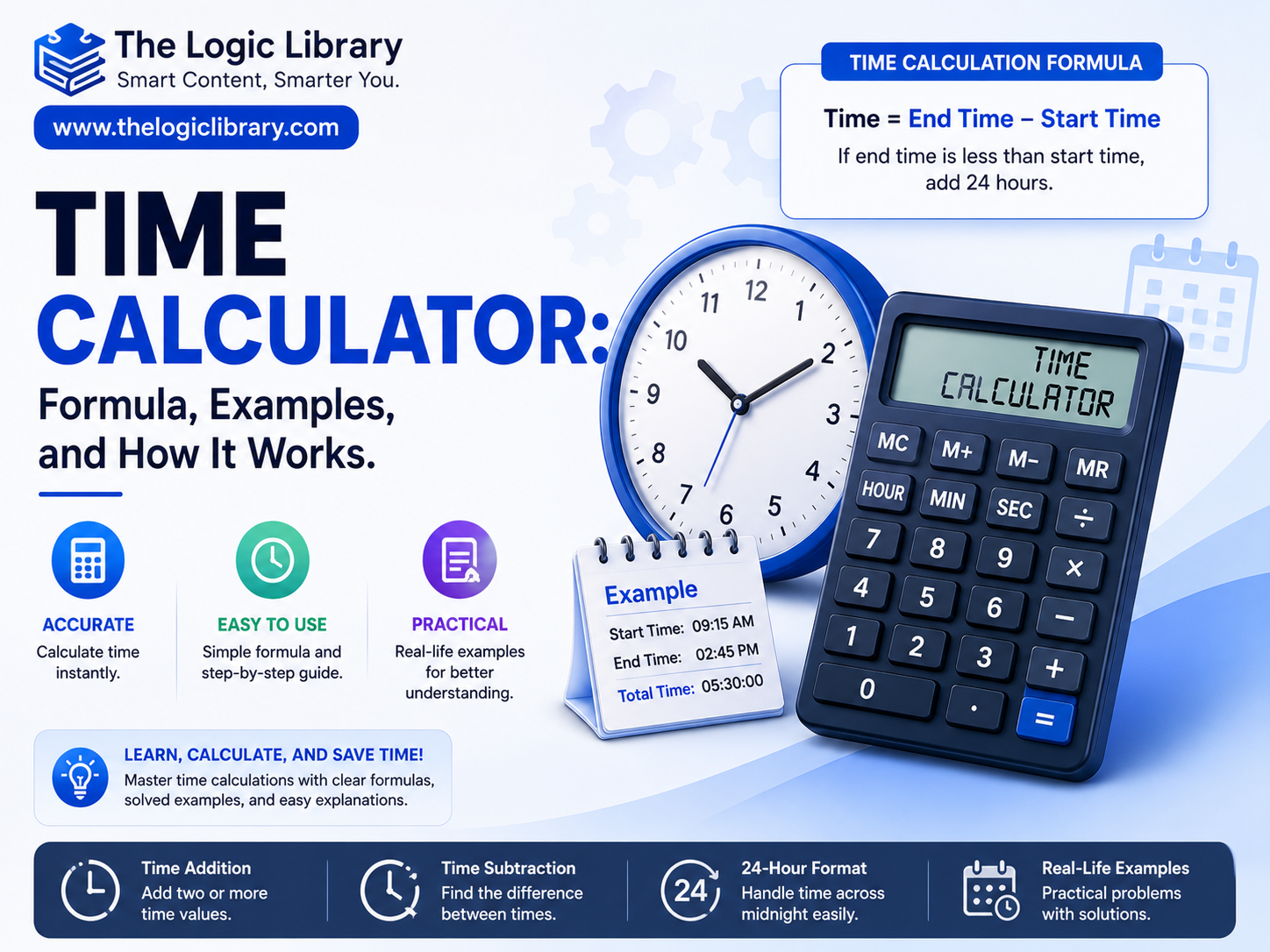
Time is one of the most valuable resources in our daily lives. Whether you’re calculating work hours, tracking project deadlines, determining travel duration, managing employee attendance, or planning personal activities, accurate time calculations are essential. A Time Calculator is a practical tool designed to simplify these calculations by helping users determine time differences, add or subtract time intervals, convert units of time, and calculate work hours efficiently.
Many people find manual time calculations confusing, especially when dealing with hours, minutes, seconds, multiple days, or crossing midnight. A Time Calculator eliminates these challenges by providing instant and accurate results. In this guide, you’ll learn how a Time Calculator works, the formulas behind it, real-world examples, benefits, and common use cases.
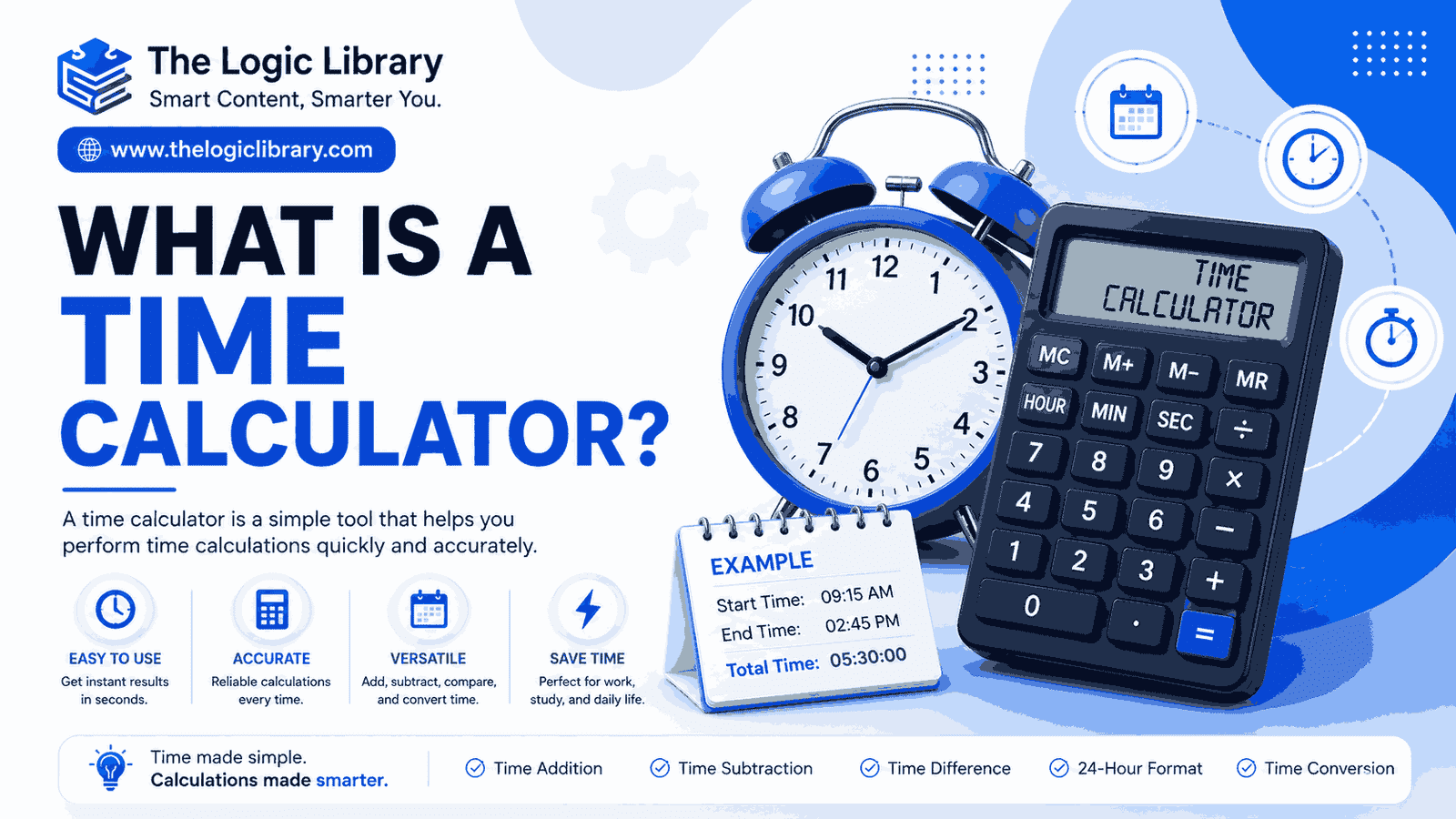
What Is a Time Calculator?
A Time Calculator is an online or software-based tool that performs calculations involving time values. It can calculate:
- Time difference between two times
- Total work hours
- Overtime hours
- Adding time durations
- Subtracting time intervals
- Converting hours to minutes or seconds
- Converting decimal hours to hours and minutes
- Multi-day duration calculations
Instead of manually calculating time using clocks or calendars, users can enter values and receive instant results.
Why Time Calculations Matter
Time calculations play a crucial role in many areas of life and business:
Employee Attendance Tracking
Organizations use time calculations to determine working hours, overtime, and payroll processing.
Project Management
Project managers estimate timelines, deadlines, and resource allocation using accurate time measurements.
Travel Planning
Travelers calculate flight durations, layovers, and arrival times across different locations.
Education
Students use time calculators for study planning, exam preparation schedules, and assignment deadlines.
Freelancing and Billing
Freelancers often charge clients based on hours worked, making precise time tracking essential.
Understanding Time Units
Before using a Time Calculator, it’s important to understand standard time units.
| Unit | Equivalent |
|---|---|
| 1 Minute | 60 Seconds |
| 1 Hour | 60 Minutes |
| 1 Day | 24 Hours |
| 1 Week | 7 Days |
| 1 Month | Approximately 30 Days |
| 1 Year | 365 Days |
Most calculations involve converting between these units to obtain accurate results.
How a Time Calculator Works
A Time Calculator follows mathematical formulas to determine results. The process generally includes:
- Accepting input values
- Converting time into a standard format
- Performing calculations
- Converting the output into a readable format
For example, if you enter:
- Start Time: 8:30 AM
- End Time: 5:15 PM
The calculator converts both values into minutes and then determines the difference.
Formula for Time Difference
The basic formula is:
Time Difference = End Time − Start Time
If:
- Start Time = 8:30 AM
- End Time = 5:15 PM
Convert to minutes:
- 8:30 AM = 510 minutes
- 5:15 PM = 1035 minutes
Calculation:
1035 − 510 = 525 minutes
Convert back:
525 ÷ 60 = 8 hours 45 minutes
Result:
8 Hours 45 Minutes
Formula for Adding Time
Adding time is commonly used for scheduling and planning.
Formula
Total Time = Starting Time + Duration
Example
Current Time: 2:20 PM
Duration: 3 Hours 50 Minutes
Calculation:
2:20 PM + 3 Hours = 5:20 PM
5:20 PM + 50 Minutes = 6:10 PM
Result:
6:10 PM
Formula for Subtracting Time
Subtracting time helps determine previous events or deadlines.
Formula
Resulting Time = Current Time − Duration
Example
Current Time: 10:45 PM
Subtract: 2 Hours 30 Minutes
Calculation:
10:45 PM − 2 Hours = 8:45 PM
8:45 PM − 30 Minutes = 8:15 PM
Result:
8:15 PM
Calculating Work Hours
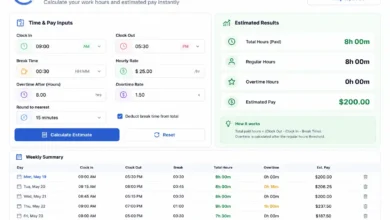
One of the most popular uses of a Time Calculator is calculating work hours.
Formula
Work Hours = Clock-Out Time − Clock-In Time − Break Time
Example
Clock-In: 9:00 AM
Clock-Out: 6:00 PM
Lunch Break: 1 Hour
Calculation:
9 Hours − 1 Hour
Result:
8 Working Hours
This method is widely used in payroll systems and attendance software.
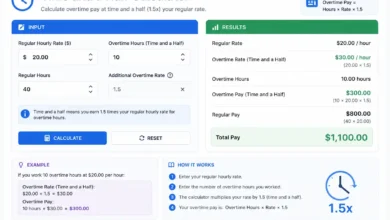
Calculating Overtime Hours
Many companies pay employees extra for overtime.
Formula
Overtime = Total Worked Hours − Standard Working Hours
Example
Worked Hours: 10 Hours
Standard Shift: 8 Hours
Calculation:
10 − 8 = 2
Result:
2 Hours Overtime
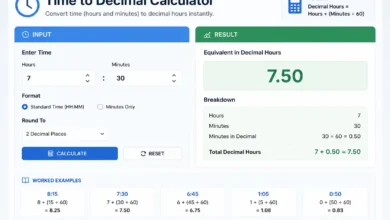
Converting Hours to Minutes
Sometimes calculations require converting hours into minutes.
Formula
Minutes = Hours × 60
Example
5 Hours
Calculation:
5 × 60 = 300
Result:
300 Minutes
Converting Minutes to Hours
Formula
Hours = Minutes ÷ 60
Example
150 Minutes
Calculation:
150 ÷ 60 = 2.5
Result:
2 Hours 30 Minutes
Converting Hours to Seconds
Formula
Seconds = Hours × 3600
Example
2 Hours
Calculation:
2 × 3600
Result:
7200 Seconds
Decimal Hours Calculation
Many payroll and billing systems use decimal hours instead of traditional hour-minute formats.
Formula
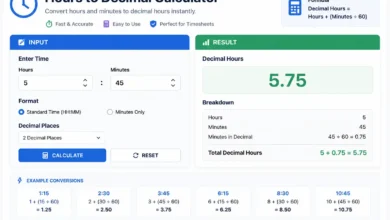
Decimal Hours = Minutes ÷ 60
Example
45 Minutes
Calculation:
45 ÷ 60 = 0.75
Result:
0.75 Hours
Another Example
8 Hours 30 Minutes
Calculation:
30 ÷ 60 = 0.5
8 + 0.5 = 8.5
Result:
8.5 Hours
Multi-Day Time Calculations
Time calculators can also determine durations spanning several days.
Formula
Total Duration = End Date & Time − Start Date & Time
Example
Start:
June 1, 2026 – 9:00 AM
End:
June 4, 2026 – 3:00 PM
Calculation:
3 Days + 6 Hours
Result:
78 Hours
Time Difference Across Midnight
A common challenge occurs when time spans midnight.
Example
Start Time:
10:00 PM
End Time:
6:00 AM
Since the calculation crosses midnight:
10 PM to Midnight = 2 Hours
Midnight to 6 AM = 6 Hours
Total:
8 Hours
Modern Time Calculators handle this automatically.
Practical Examples of Time Calculations
Example 1: Meeting Duration
Meeting Start:
11:15 AM
Meeting End:
1:45 PM
Calculation:
2 Hours 30 Minutes
Example 2: Study Session
Start:
7:00 PM
End:
10:30 PM
Result:
3 Hours 30 Minutes
Example 3: Flight Duration
Departure:
8:15 AM
Arrival:
12:45 PM
Result:
4 Hours 30 Minutes
Example 4: Freelancer Billing
Hourly Rate:
$25
Worked Hours:
6.5 Hours
Calculation:
25 × 6.5
Result:
$162.50
Benefits of Using a Time Calculator
Accuracy
Eliminates manual calculation errors.
Saves Time
Instant results without complex calculations.
Easy Payroll Processing
Helps businesses calculate wages and overtime accurately.
Better Productivity
Allows efficient scheduling and time management.
Flexible Usage
Can be used for personal, educational, and professional purposes.
Features of Modern Online Time Calculators
Today’s advanced time calculators often include:
- Time difference calculator
- Work hours calculator
- Overtime calculator
- Date duration calculator
- Decimal hours converter
- Time addition tool
- Time subtraction tool
- Multi-day calculations
- Payroll-friendly reporting
- Mobile compatibility
These features make them suitable for businesses, students, freelancers, and everyday users.
Common Mistakes in Time Calculations
Ignoring AM and PM
Confusing AM and PM can lead to incorrect results.
Forgetting Break Times
Employees often forget to subtract lunch or rest breaks.
Incorrect Unit Conversion
Mixing minutes, hours, and seconds may cause errors.
Crossing Midnight Issues
Manual calculations often fail when shifts span overnight periods.
Using a Time Calculator helps avoid these mistakes.
Who Uses Time Calculators?
Time calculators are useful for:
- Employees
- HR departments
- Payroll managers
- Freelancers
- Consultants
- Students
- Teachers
- Project managers
- Business owners
- Travelers
Virtually anyone who works with schedules or deadlines can benefit from a reliable Time Calculator.
Conclusion
A Time Calculator is an essential tool for managing schedules, calculating work hours, tracking productivity, and performing accurate time-related calculations. Whether you’re determining shift durations, adding time intervals, calculating overtime, converting hours into minutes, or planning projects, a Time Calculator provides fast and reliable results.
By understanding the formulas behind time calculations and using automated tools, individuals and businesses can save time, improve accuracy, and make better decisions. From payroll processing and attendance management to study schedules and travel planning, Time Calculators simplify one of the most important aspects of daily life—time management.
As digital tools continue to evolve, online Time Calculators have become indispensable resources for professionals, students, and organizations seeking efficient and error-free time calculations.
Frequently Asked Questions (FAQs) About Time Calculators
1. What is a Time Calculator?
A Time Calculator is an online tool that helps users calculate time differences, add or subtract time durations, convert time units, and determine work hours, overtime, and date durations quickly and accurately.
2. How does a Time Calculator work?
A Time Calculator converts time values into a standard format, performs the required mathematical calculation, and then displays the result in hours, minutes, seconds, days, or other selected units.
3. How do I calculate the difference between two times?
To calculate the time difference, subtract the start time from the end time:
Time Difference = End Time − Start Time
For example:
- Start Time: 9:00 AM
- End Time: 5:30 PM
Result: 8 Hours 30 Minutes
4. Can a Time Calculator calculate work hours?
Yes. Most Time Calculators include a work hours calculator that determines total working time by subtracting break periods from the total shift duration.
Work Hours = Clock-Out Time − Clock-In Time − Break Time
5. How do I calculate overtime hours?
Overtime is calculated by subtracting standard working hours from total worked hours.
Overtime = Total Worked Hours − Standard Shift Hours
For example, if you work 10 hours in an 8-hour shift, your overtime is 2 hours.
6. Can a Time Calculator handle overnight shifts?
Yes. Advanced Time Calculators automatically account for shifts that cross midnight.
Example:
- Start: 10:00 PM
- End: 6:00 AM
Result: 8 Hours
7. How do I add time using a Time Calculator?
Simply enter the starting time and the duration you want to add.
Example:
- Start Time: 3:15 PM
- Add: 2 Hours 45 Minutes
Result: 6:00 PM
8. Can I subtract time from a specific time?
Yes. Time Calculators can subtract hours, minutes, or seconds from any given time.
Example:
- Current Time: 8:30 PM
- Subtract: 1 Hour 15 Minutes
Result: 7:15 PM
9. How do I convert hours into minutes?
Use the formula:
Minutes = Hours × 60
Example:
- 4 Hours × 60 = 240 Minutes
10. How do I convert minutes into hours?
Use the formula:
Hours = Minutes ÷ 60
Example:
- 180 Minutes ÷ 60 = 3 Hours
11. What are decimal hours?
Decimal hours express time as a decimal rather than hours and minutes.
Example:
- 30 Minutes = 0.5 Hours
- 45 Minutes = 0.75 Hours
This format is commonly used for payroll and billing.
12. How do I convert hours to seconds?
Use the formula:
Seconds = Hours × 3,600
Example:
- 2 Hours × 3,600 = 7,200 Seconds
13. Can a Time Calculator calculate days between dates?
Yes. Many tools can calculate the exact number of days, hours, minutes, and seconds between two dates and times.
14. Is a Time Calculator useful for payroll calculations?
Absolutely. Businesses use Time Calculators to track employee attendance, calculate work hours, determine overtime, and process payroll accurately.
15. Can freelancers use a Time Calculator?
Yes. Freelancers often use Time Calculators to track billable hours and calculate project costs based on hourly rates.
16. What is the difference between a Time Calculator and a Date Calculator?
A Time Calculator focuses on hours, minutes, and seconds, while a Date Calculator primarily calculates differences between dates, including weeks, months, and years.
17. Are online Time Calculators accurate?
Yes. Reputable online Time Calculators use precise mathematical formulas and provide highly accurate results when correct inputs are entered.
18. Can I calculate time across multiple days?
Yes. Advanced calculators can determine durations spanning several days, weeks, or even months.
19. Is a Time Calculator free to use?
Most online Time Calculators are completely free and accessible on desktop computers, tablets, and mobile devices.
20. Why should I use a Time Calculator instead of calculating manually?
A Time Calculator saves time, reduces errors, handles complex calculations automatically, and provides instant results for work schedules, projects, travel plans, and everyday time management tasks.